leptons1618@anishgiri.dev:~/colophon cat ARCHITECTURE.md
Colophon
How this site is built
A portfolio is a claim about how someone builds things, so this page is the evidence for it. Everything below is running at this domain right now, and the source is public in full.
- runtime
- Astro 5 · Cloudflare Workers
- rendering
- Static, with an adapter
- database
- Cloudflare D1 — 10 tables
- migrations
- 10, applied before each deploy
- images
- BLOBs in D1, one route serves them
- styling
- Plain CSS · 3 themes × light/dark
- client js
- No framework
- dependencies
- 15 runtime · 3 dev
Static, with an adapter
Most pages never wake the Worker.
The build output is static, and most pages really are files
on disk — /about, this page, the whole admin shell.
Cloudflare serves those from its asset store without starting the Worker
at all.
The routes that show content are the exception. They declare
export const prerender = false and query D1 per request,
which buys one specific thing: a content change is live the
moment it is saved, with no build in between. The cost is a
Worker invocation on those routes, and the trade is deliberate — an
author who has to wait two minutes and watch a CI badge to fix a typo
stops fixing typos.
Forgetting that one line is the failure this architecture has that nothing else catches: the page would be prerendered at deploy time, with no database bound, and either crash the build or freeze. So a check script greps every route for the binding and refuses to build if one reads it without opting out.
Content is rows, not files
Ten tables, and the schema is the validation.
There is no src/content/. Ten tables in D1 hold everything
the site renders, and the schema is the validation —
NOT NULL, CHECK constraints and one foreign key
refuse a bad write when the author presses save, which is the job a
build-time schema used to do two minutes too late.
projects- The index. Drives the home page, /projects and each detail page. Fields only — nothing renders a project body, so there is no body column.
case_studies- Long-form write-ups. A project points at one; nothing points back.
journal- Posts, with a three-state status. A draft is visible to the author and in development; an unpublished post 404s rather than lingering.
documents- Singletons keyed by slug — the resume, the assistant settings, the daily schedule, the projects page’s line-up. One JSON column each.
media- Uploaded images as BLOBs. Nothing else reads this table, which is what keeps “where do the bytes live” a one-file decision.
ai_providers- One row per endpoint the site may call, and the one API key this system stores. The admin listing gets a fingerprint of it and never the key.
ai_rate- Request counters for the public assistant. No visitor text, no readable IP.
ai_chats · ai_messages- The authoring assistant’s saved conversations. Owner-only, read by nothing public.
logs- The site’s own record: what the daily job did, what was saved, what a provider refused. Never written per anonymous request, never a visitor’s words.
Bodies are stored twice, as markdown and as HTML. The markdown is the source of truth and the HTML is derived from it on write, by Astro’s own processor, so nothing has to render markdown per request. That processor runs with its syntax highlighter switched off, and it has to: the highlighter instantiates a WebAssembly module on first use and the Workers runtime refuses to compile one, so every save of a post with a body threw — in production only. Code listings are coloured in the browser instead, by a small lexer this repo owns rather than a dependency.
One write path, and it is the boundary
Two rules, and neither is negotiable.
Every save on this site is a POST to a single endpoint.
- Identity is checked before the body is parsed. The browser presents the GitHub token it already holds, the Worker asks GitHub whose it is, and only one login gets through. No credential is minted or stored for this — revocation is GitHub’s, and the check fails closed, including when GitHub is unreachable.
- No caller-supplied string ever becomes a SQL identifier. A table or column name cannot be a bound parameter, so every identifier that reaches a statement originates in one source module and is looked up, never derived. An unknown key is refused rather than dropped — a save that silently discards a field reports success and loses work.
That module is tested by a plain Node script with no framework, which is the one test here that is genuinely about security: it proves an unknown field is refused, that no caller key can become an identifier, and that no directory-and-name pair can climb out of its folder on the upload path.
The authoring surface
Part of the site, not a second application.
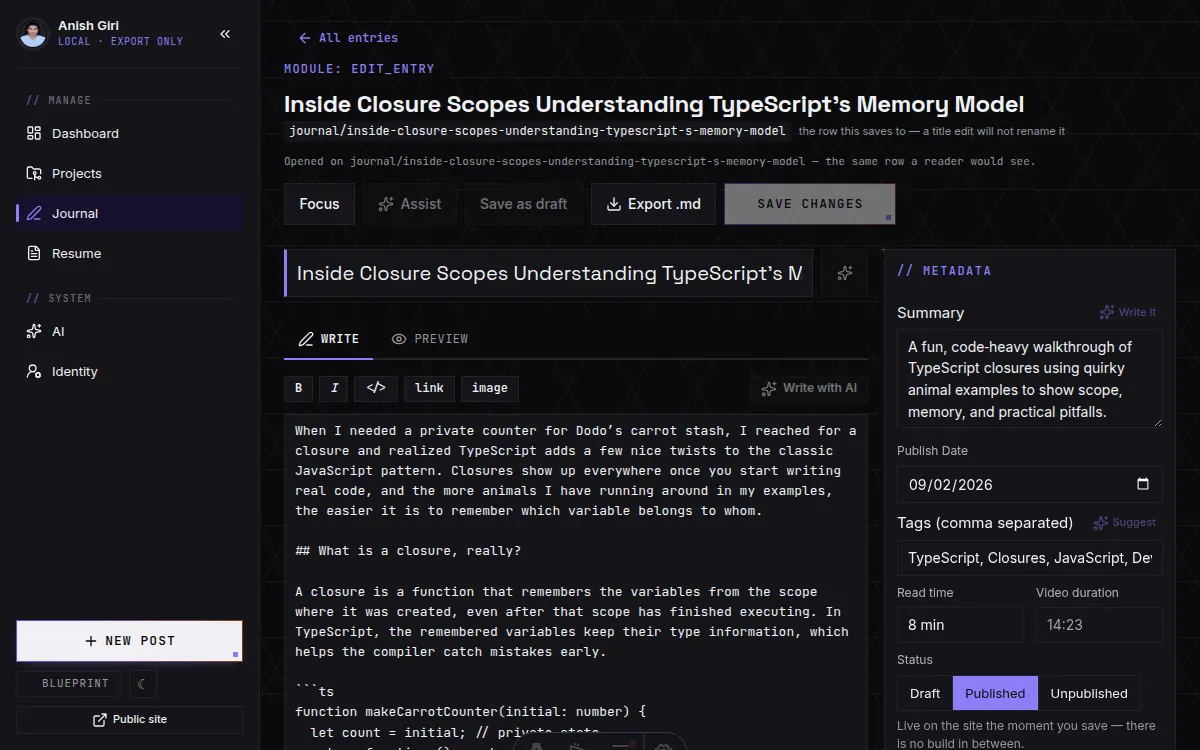
/admin is the same Worker, the same origin, the same write
endpoint — an authoring surface built into the site rather than
beside it. The alternative is a second application with its own
deployment, its own session story and its own copy of every model; this
way there is one of each, and the editors are ordinary pages of the site
they edit.
Where should an authoring surface be guarded?
- At the page. Gate the screens — a redirect, a middleware, a separate host. Reads well, and it is the layer people reach for first, but it protects a view: the interesting verbs live behind the API the view calls, and anything that talks to that API directly has not met the gate.
- At the endpoint. Gate the writes, and treat the screens as what they are — markup. Harder to get wrong, because there is exactly one place to be right, and it holds however a request arrives: a fetch from a console is checked the same as a click.
Recommended: both, and in that order of importance. The endpoint check is the one that has to be correct — identity resolved before a body is parsed, failing closed, and never trusting anything the caller said about itself. The page gate is worth having on top for the ordinary reason that people should not land on an editor they cannot use, and it should be designed as a courtesy rather than relied on as a boundary. Build the screens as though they will be read, because eventually they are.
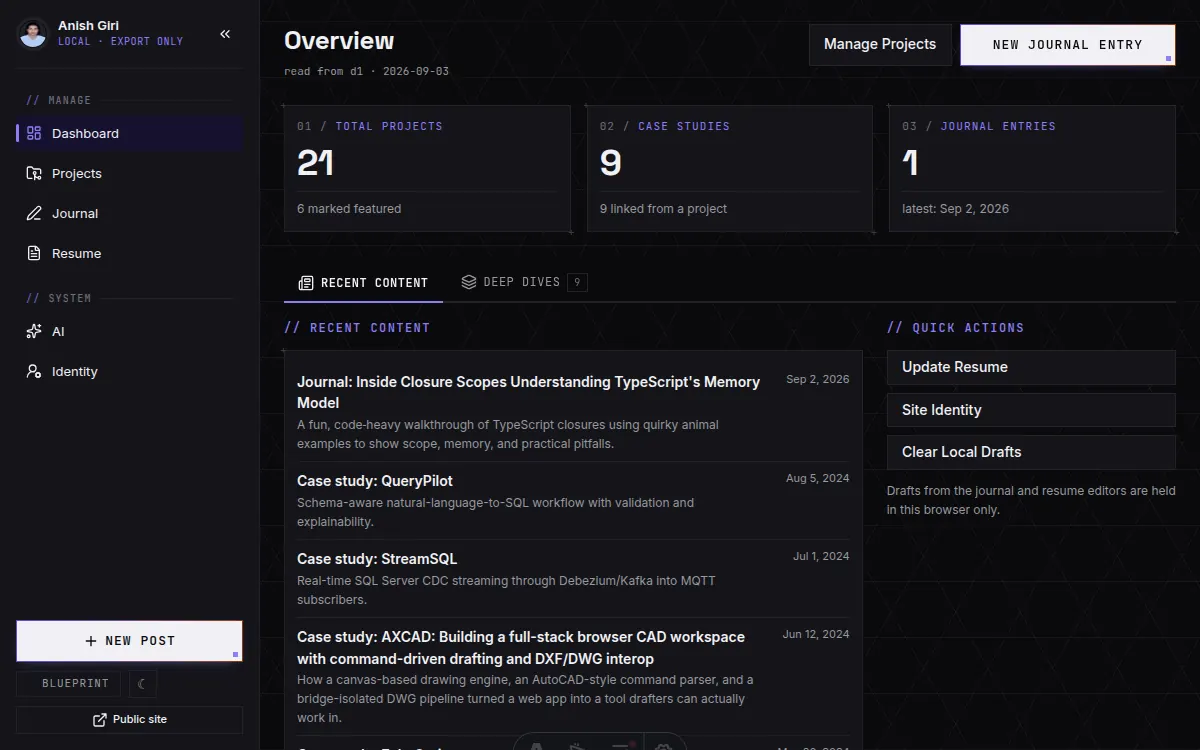
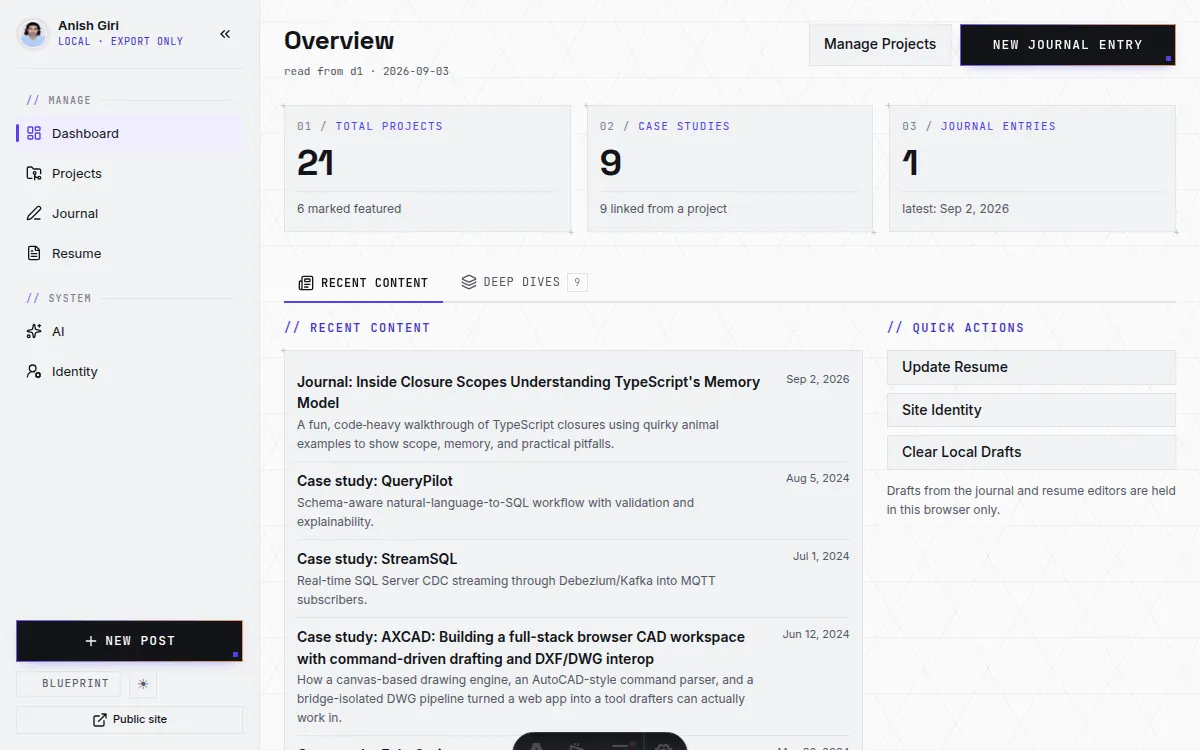
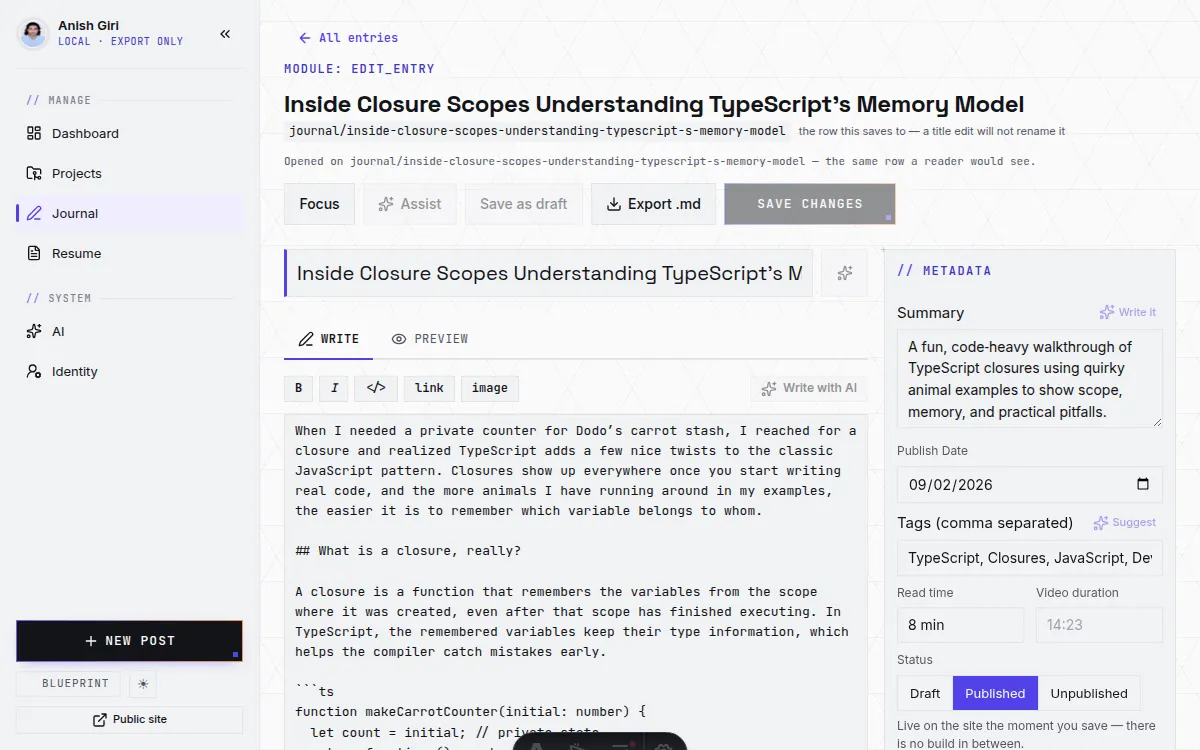
A save returns the live URL, not a commit URL — there is no commit and no build to wait for. Deleting is the one thing that does not come back, and the copy on those buttons says so: there is no git history holding a copy any more. Hiding a project and unpublishing a post are the reversible versions, and they are what the switches actually do.
Two assistants, one credential
One model, two endpoints, almost nothing shared.
The public assistant answers visitors’ questions and is the only unauthenticated thing here that spends money, so its checks run cheapest-first — switch, request shape, budget, provider, and only then the model. It is rate-limited per visitor and per day, and the limiter charges before the call and does not refund: the thing being defended against is a loop, and a loop that fails upstream is still a loop.
What an assistant may know is a separate question from what it may be asked, and separate again from what it may do. The grounding is assembled by one builder that re-applies the site’s own visibility filters on whatever it is handed rather than trusting the caller — so “is this row publishable” is answered in one place instead of at every call site, which is the difference between a rule and a habit.
How much should an assistant be able to do?
A model wired into a content system can be given anything from a read-only view to a key on the write path, and the choice is a real one with a real trade on each side.
- Reading only. The assistant answers and drafts; every change is still a person pressing a button. Cheap to reason about — the worst a compromised session buys is a look at pages that are already public — and the cost is that routine edits stay manual.
- Reading and writing. The assistant can file its own drafts, fix its own typos, keep a changelog current. Genuinely useful, and the thing it buys is the thing it risks: a prompt is now an instruction that can reach a table, so prompt injection stops being a content problem and becomes a data problem, and the blast radius of a leaked key is the database rather than a bill.
Recommended: write access is worth having, and it is worth fencing rather than granting. Point it at one table and one status — a draft is reviewable, a published row is live — take every identifier from source rather than from the model, keep deletion out of its reach entirely, and make the audit trail a row the job writes rather than a log nobody reads. The general rule is that an agent should be able to propose at machine speed and publish only at human speed; where a capability lands on that line is a per-site decision, and it belongs in configuration rather than in a page like this one.
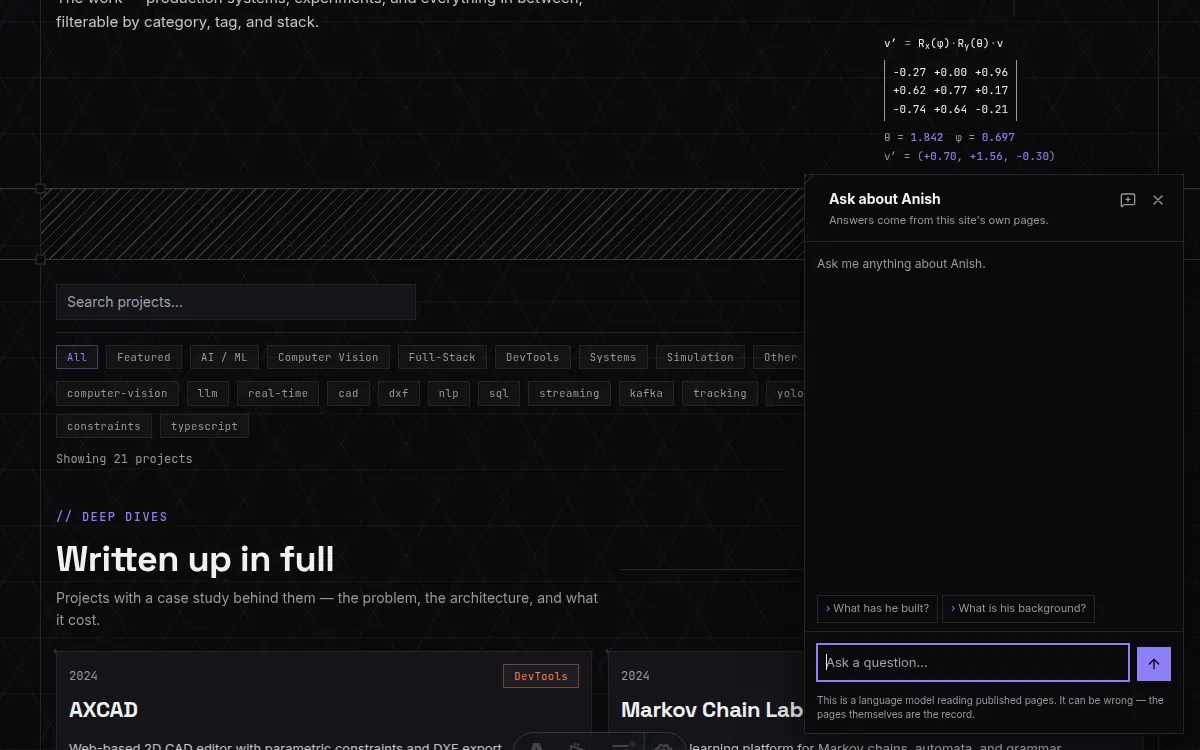
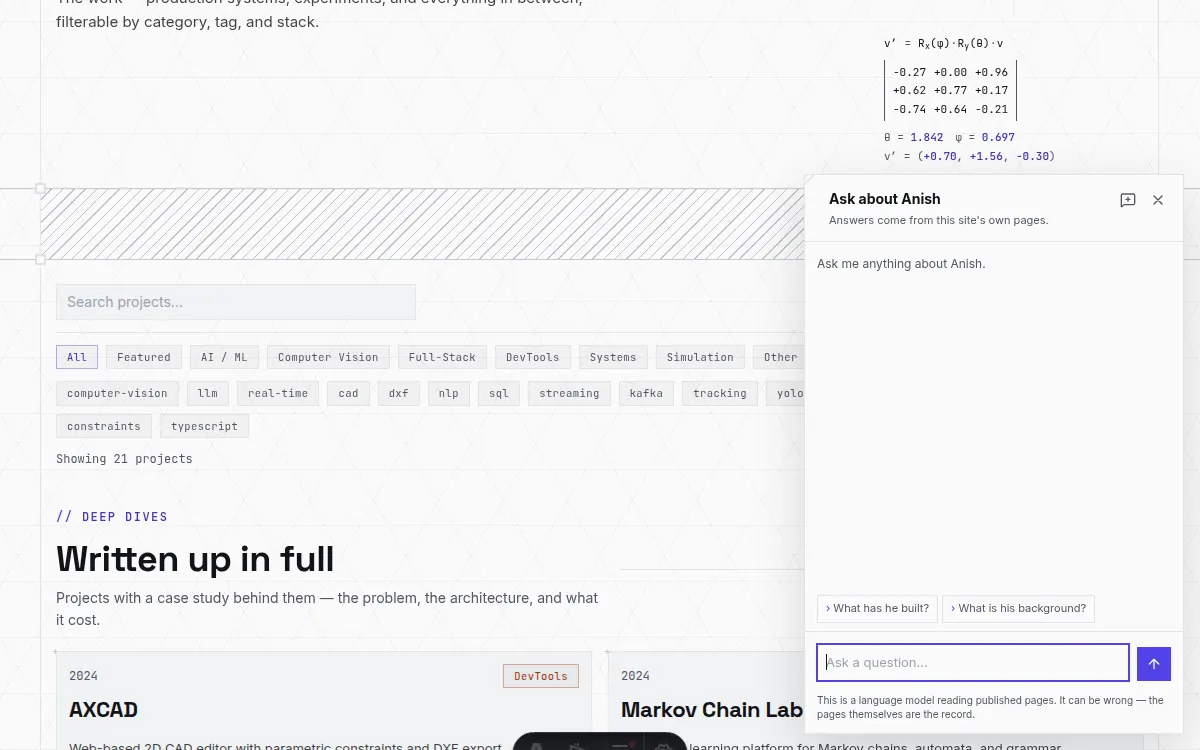
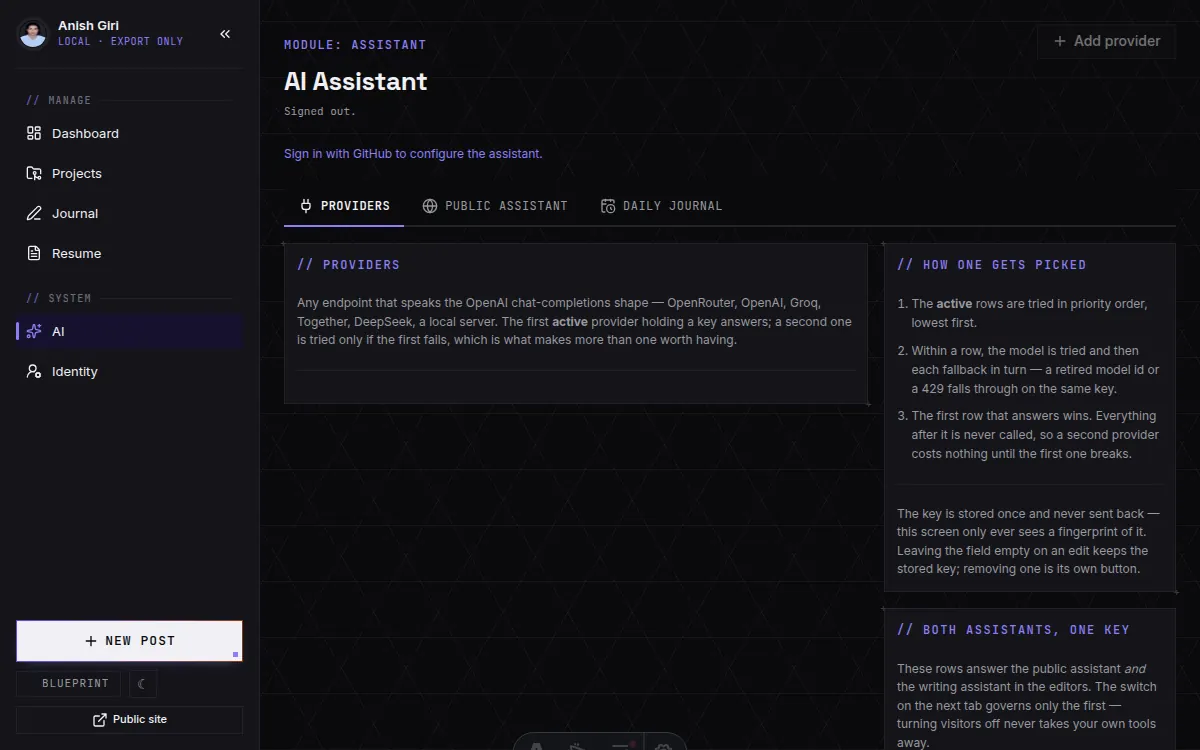
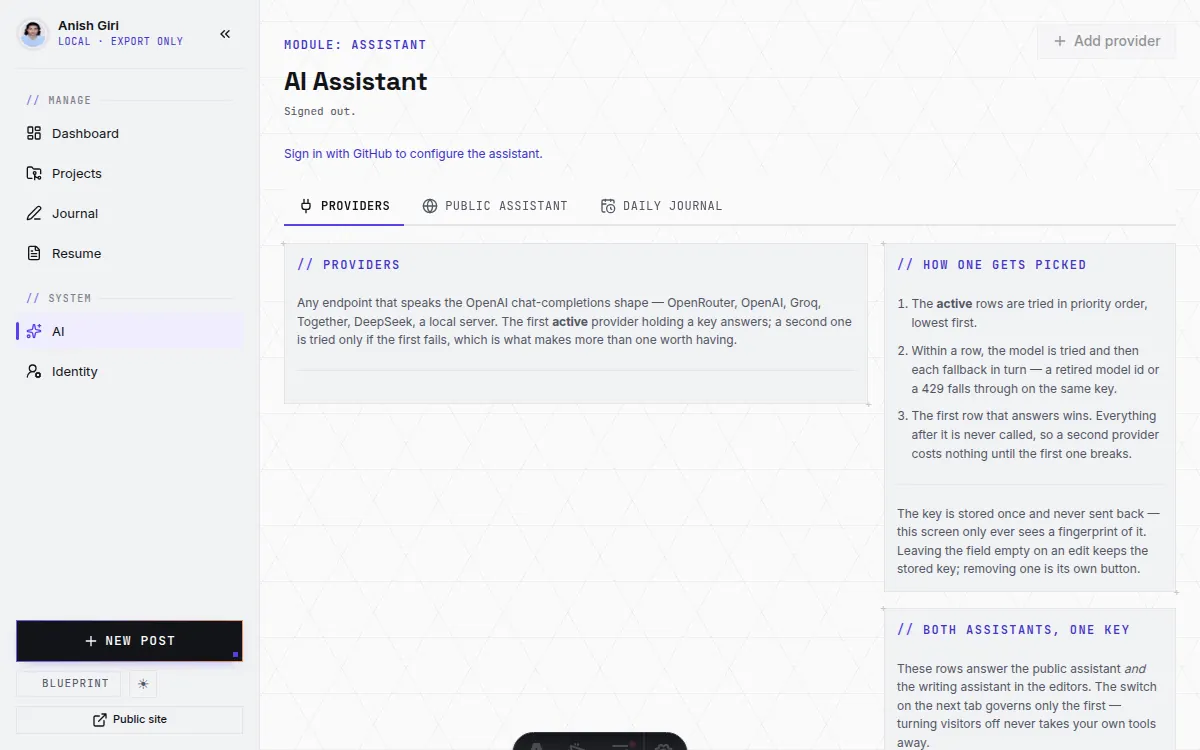
The writing assistant is behind the sign-in and takes a task name, never a prompt. The task table is closed, and each entry carries its own temperature, token ceiling, output contract and an allowlist of which editor fields are sent. An authenticated endpoint that forwarded an arbitrary prompt would be a general-purpose model on someone’s billing account, one stolen session away from being someone else’s; a closed table bounds what a stolen session is worth, and it costs nothing to keep closed because the surface is a fixed set of editor commands anyway.
A model’s reasoning is separated from its answer at the protocol level and travels in its own channel, which is what lets every surface show the thinking behind a disclosure and write only the answer into a field. It is not cosmetic: before it existed, eight hundred words of deliberation went into a post body.
A post a day, if you want one
A schedule that drafts, and never publishes.
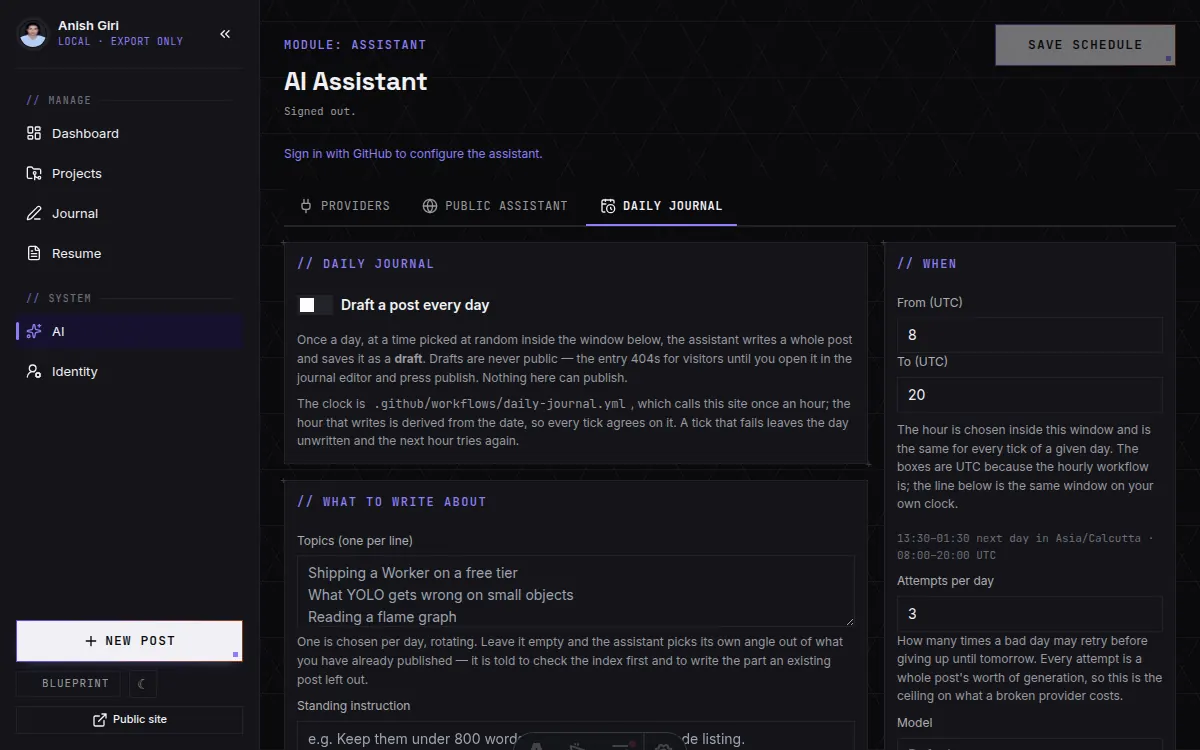
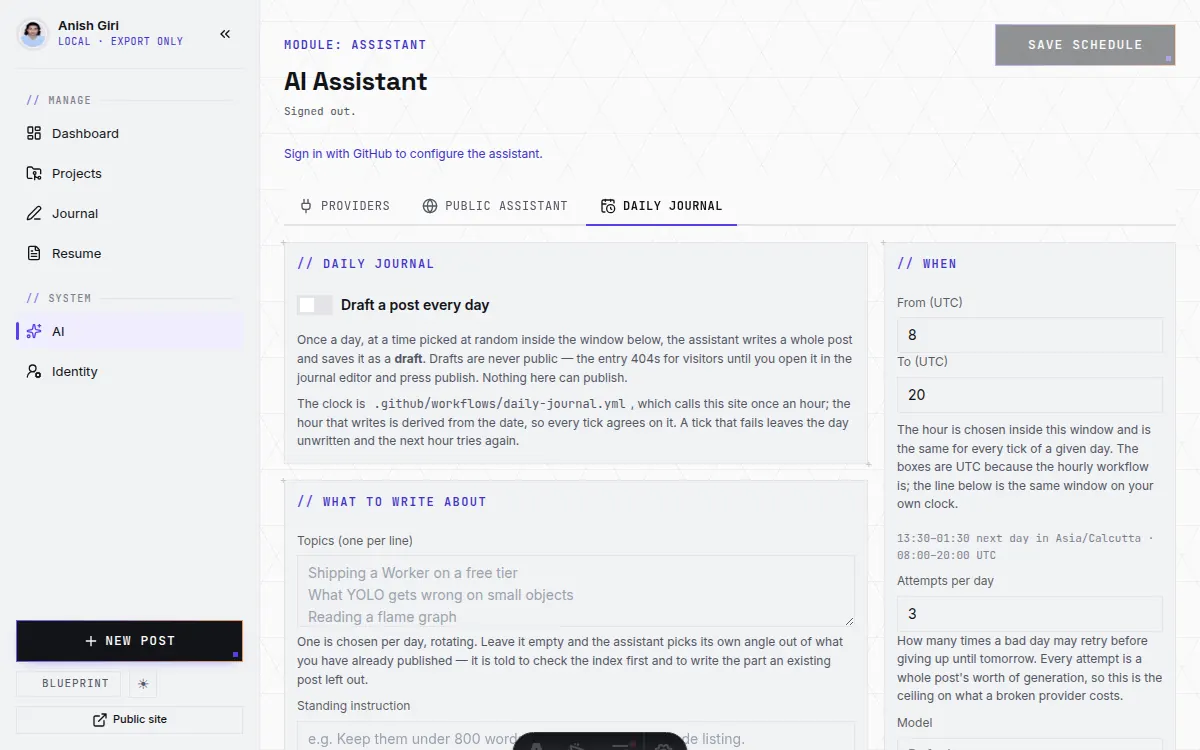
Once a day, at an hour chosen at random inside a configured window, the assistant drafts a whole post and saves it as a draft. Never published — an unattended model does not get a byline on a live page, which is the same rule the rest of this surface follows for the same reason.
The clock is an hourly job that asks the site whether it is time yet. The hour that writes is derived from the date rather than rolled and stored, so all twenty-four ticks agree on it without a lock or a scheduled row; twenty-three of them answer “not yet” after one database read and no tokens at all. A tick that fails leaves the day unwritten and the next hour tries again, up to a configured number of attempts — which is the ceiling on what a bad day costs.
What should a scheduled writer be allowed to ship?
- Straight to published. The feed keeps itself alive with nobody in the loop. It is also the arrangement where the first reader of a bad day’s output is a stranger, and “undo” is a correction to something that has already been seen.
- Into a draft. The work is done and waiting; the last step is a person reading it. Costs a click a day, and the failure mode is a queue that grows rather than a mistake that ships.
Recommended: drafts, with a real review step and no timer that turns one into the other. Auto-publishing after a grace period sounds like the compromise and is the worst of both — a second piece of scheduled state, guarding a decision that takes one click, and a machine’s draft going live precisely because nobody looked. If a schedule ever should publish on its own, the sane shape is a narrow class of post the author has pre-approved by template, not a general permission to speak.
Three themes, one component layer
A theme is tokens, never a second stylesheet.
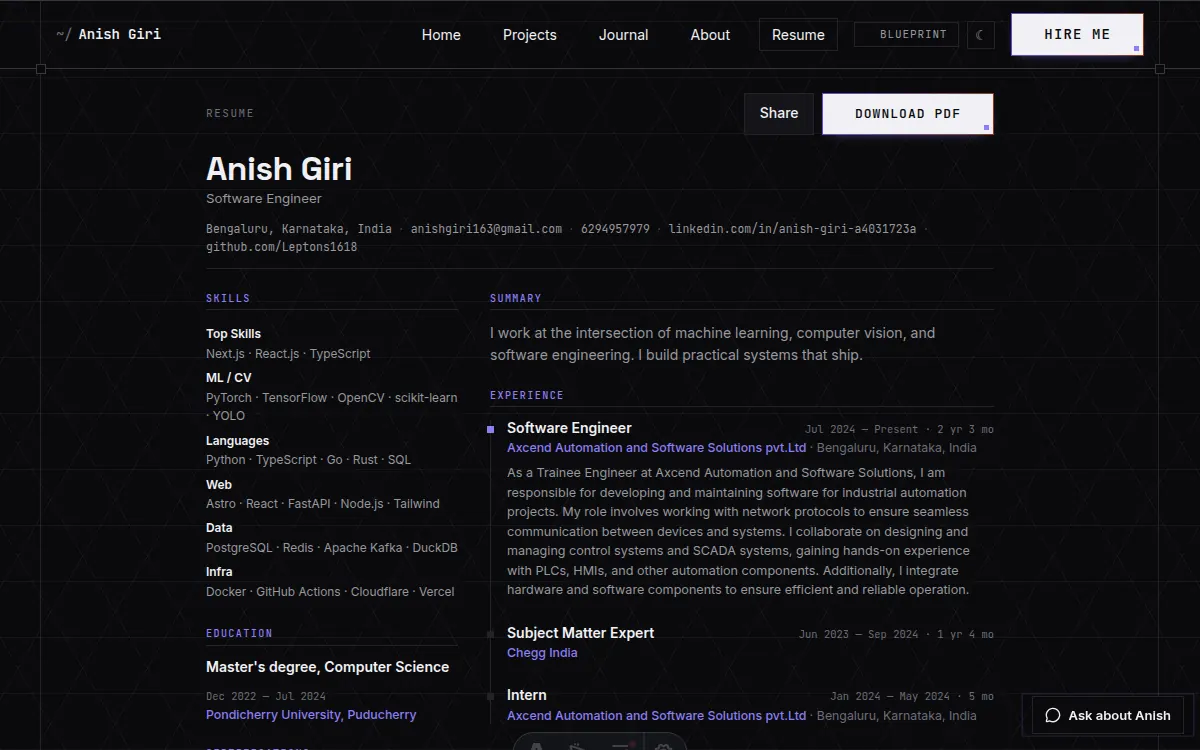
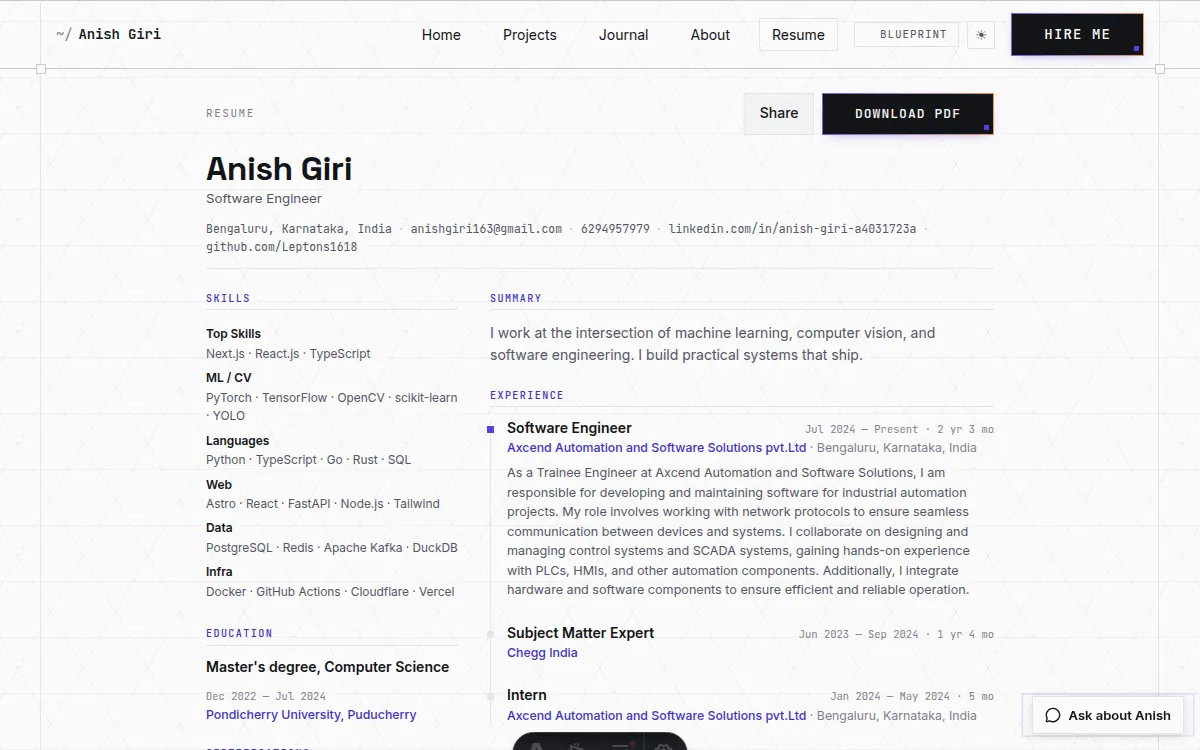
A theme here is a file of token overrides plus the few signature rules tokens cannot express — never a second component layer, and never a branch in a page. Nothing outside the theme layer names a colour, a font or a spacing value; a page that hard-codes a hex is a page that stops working on the next theme.
Two consequences worth stating because both have bitten. An SVG written as
a data: URI cannot read a custom property, so an icon drawn
that way is a hex code that survives every theme switch unchanged — the
chevrons and sweeps here are built from hard-stop gradients instead,
because a gradient resolves currentColor and a data URI does
not. And a bare max-width breakpoint fires on paper as well
as on a phone, because an A4 page at 14 mm margins is 688 px
wide — which is how the resume once printed into a narrow rail across
three pages.
What holds it together
No framework. Five scripts and fifty-five decisions.
There is no test framework. There are five scripts, each pinning something that would otherwise fail silently and in production:
- The type gate. The build transpiles rather than typechecks, so this is the only thing validating types across page frontmatter, browser scripts and the shared modules.
- The route gate. Every route that reads the database must opt out of prerendering; it also holds the live origin equal in the three files that name it, and refuses a markdown processor with its highlighter on.
- The write-boundary test. The column allowlist and the upload path validator, proving refusal rather than silent dropping.
- The assistant test. That the API key cannot reach a response, that hidden content cannot enter the corpus, that the spending ceilings hold, and — the one that costs money if it regresses — that the tool loop always terminates, including against a model that asks forever.
- The OAuth Worker test. The origin allowlist, the pinned redirect, and that a six-month refresh token is dropped rather than handed to a browser tab.
Everything non-obvious has a written reason. Fifty-five numbered decisions record why each arrangement is what it is and what the alternative broke — which is the actual deliverable of a project like this, and the part that survives being read a year later.
What is deliberately not here
The absences are decisions too.
- No analytics, no cookies, no third-party scripts. Nothing on a public page phones anywhere except the assistant, and only when a visitor asks it something.
- No UI framework. Tailwind is installed and contributes essentially only its preflight; the components are global classes plus a page-scoped block.
- No agent framework. The retrieval loop is one function with three bounds, and the bounds are the design rather than defensive extras.
- No commit path. The GitHub App is read-only. Nothing in the admin writes to the repository, and the permission that used to allow it is gone.
The whole of it is readable, and most of it is commented.